Play Black Ops 1 Zombies in Your Browser
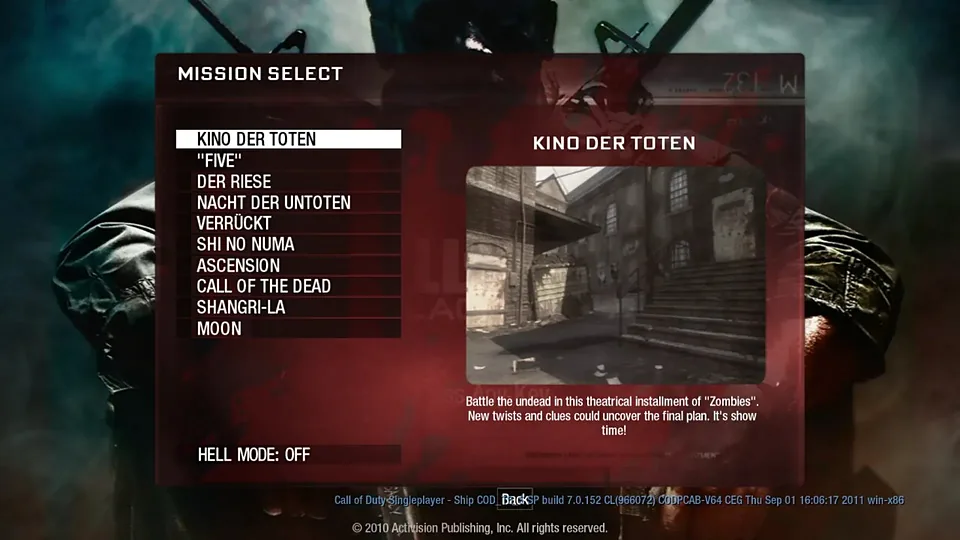
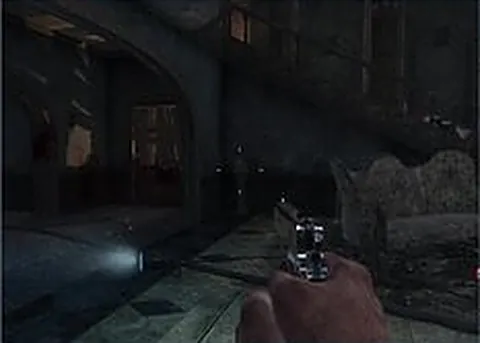
Black Ops 1 Zombies is the round-based survival mode Treyarch launched in 2010, and this browser version rebuilds that loop with a WebGL engine. You open a tab, spawn in with a pistol, and hold windows while the rounds get heavier. Nothing to install, no launcher, no store page.
Advertisement
What is Black Ops 1 Zombies?
The original mode turns a small map into a grind: kill zombies, earn points, spend those points on doors, weapons and perks, then survive one more round than last time. This browser build follows that structure with a WebGL engine rather than the retail client. Expect the same rhythm of early knife rounds, box spins and late-round panic, built by fans rather than by Treyarch.
Because it runs entirely in the browser, there is no install step and no launcher. You land on the project page, it loads the engine, and you are in a lobby. The trade is fidelity: lighting, animation and audio sit below the 2010 release, and the zombie pathing follows the recreation's own behavior. Read it as a respectful rebuild of the mode, not a copy of the disc.
Your first minutes will look familiar if you have played the mode before. Shoot a few zombies, knife the crawlers for extra points, then open the first door so you have room to move. Rounds escalate on a fixed curve, so the pressure arrives on schedule whether you are ready or not.
This page only links out to the project that made the port. We host nothing here, and we are not affiliated with Activision or Treyarch. The build belongs to the people who wrote it and it changes whenever they push updates, so map details can shift between visits, and nothing works if they ever abandon it.
How to play Black Ops 1 Zombies in your browser
- Open the project page and wait for the WebGL engine to finish loading
- Click the canvas so the pointer locks, then set your mouse sensitivity
- Shoot or knife the first zombies to build up points
- Open doors and buy wall weapons with the points you earn
- Hold the windows between rounds and repair barricades
- Survive as long as you can, because the rounds never ease off
Controls
| Input | Action |
|---|---|
| W A S D | Move |
| Mouse | Look |
| Left click | Fire |
| R | Reload |
| Space | Jump |
| Ctrl | Crouch |
| E | Buy, open doors, use perks |
Controls can differ between builds. Most of these games let you rebind keys from their own settings menu, and you can press Esc to release the mouse pointer.
Tips for Black Ops 1 Zombies
- Shoot zombies a few times before knifing, since hits earn points and melee finishes pay a bonus
- Repair barricades between rounds, because every board you nail back up adds points to your total
- Keep one zombie alive at the end of a round so you can spend points in peace
- Save for Juggernog early, because surviving past round ten without it is rough
- Train zombies in a wide loop instead of standing still, since getting boxed in ends runs fast
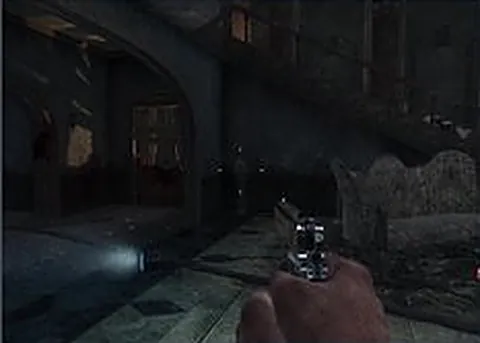
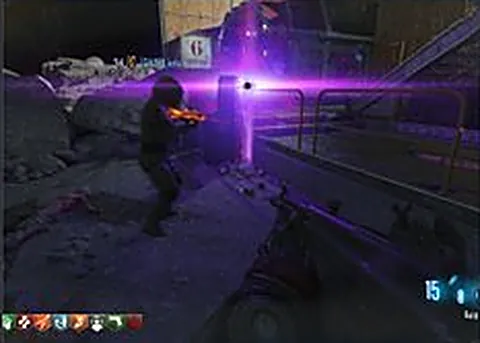
Screenshots
Black Ops 1 Zombies FAQ
Is this Black Ops 1 Zombies browser version free?
Yes. The fan project behind this browser build does not charge for access, and this site does not sell anything either. We only link out to the page that hosts the port, so there is no purchase step before you play.
Do I need to own Black Ops 1 to play Black Ops 1 Zombies here?
No. This build does not ask for the retail game or a Steam login. It runs its own WebGL engine with its own content, so you simply open the page and play. That also means it is a recreation, not the original code.
Is this the official Activision version?
No. It is a fan-made browser recreation of the mode, and we are not affiliated with Activision or Treyarch. The official release is the 2010 game on Steam and consoles, which is still the most complete way to play it.
Why is Black Ops 1 Zombies stuck on a loading screen?
The engine files are the usual cause, and a slow connection can make the first load take a while. Refresh the tab, close heavy background tabs, and make sure hardware acceleration is enabled in your browser settings before trying again.
Can I play the browser version with friends?
The mode was built around co-op, and browser ports like this usually include a lobby or a room link. We cannot promise a specific feature set, so check the project page for how it handles parties and whether private rooms exist.
Does it work on a phone or a Chromebook?
Treat it as a desktop game. Mouse aiming and the pointer lock are central to playing well, and a phone screen has no equivalent. A Chromebook with a mouse plugged in can work, but the touchpad will fight you.
Games like Black Ops 1 Zombies
Same genre, same energy, also playable in a tab.