Play Half-Life in Your Browser, Using Files You Own
The 1998 shooter that rewired how first-person games tell a story now has a browser build: this page loads the Xash3D FWGS engine, compiled to WebAssembly, and runs the original Half-Life campaign in a tab. It is not a hosted copy of the game. You supply files from a copy you own, and we provide nothing but the link.
Advertisement
What is Half-Life (Web)?
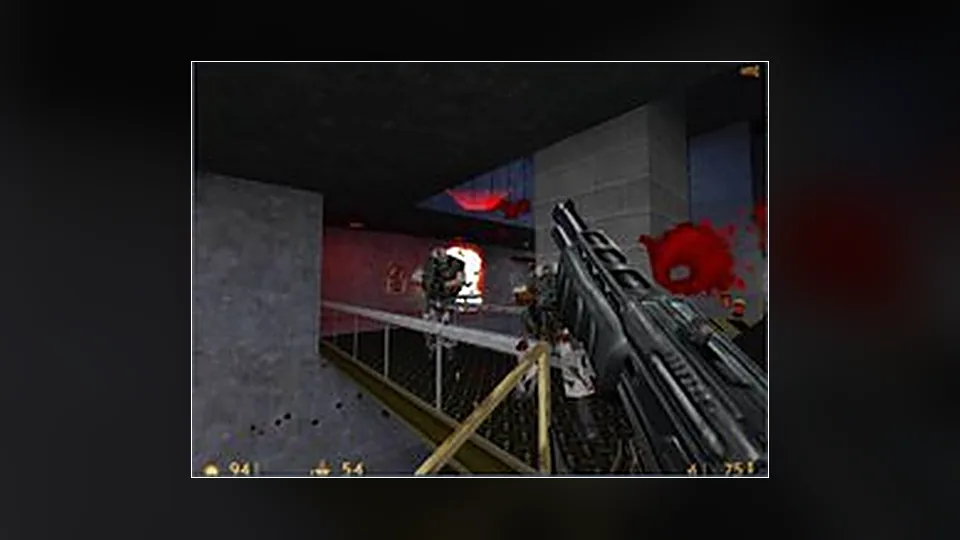
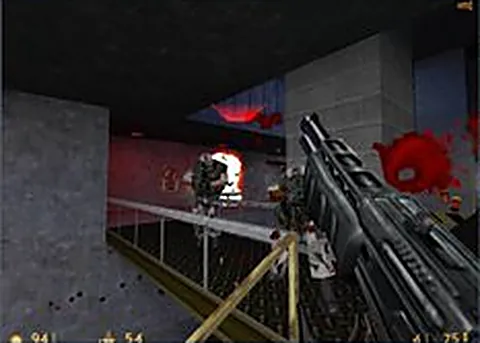
Released in 1998 by Valve, Half-Life rebuilt the first-person shooter around continuous level design, scripted set pieces and a silent scientist named Gordon Freeman. The Black Mesa incident, the resonance cascade and the long walk through Xen still hold up because the pacing never stops for a menu. The browser version keeps the campaign, the weapons and the physics as they were, wrapped in a WebAssembly engine that renders into a canvas instead of your desktop.
What you are opening is an engine port, not the game itself. Xash3D FWGS is an open source reimplementation of the GoldSrc engine, compiled here to WebAssembly. It contains no Valve assets, and we do not host or provide game files. You need a legitimate copy of Half-Life that you own, then you hand the page the valve folder from that installation when it asks.
There is a file picker before any gameplay. The page will not do anything interesting until you give it the game data, and the handover happens locally through your browser, so the wait is really your own disk working. After that you get a main menu, then the tram ride. Performance depends on your machine and on how the browser handles a large WebAssembly binary, so older laptops may prefer a smaller window.
How to play Half-Life (Web) in your browser
- Open the Half-Life page in a desktop browser such as Chrome, Edge or Firefox.
- Confirm you own a copy of Half-Life on Steam or on disc.
- Use the page prompt to select the valve folder from that installation.
- Wait while the engine loads the maps and models into memory.
- Pick New Game from the menu and let the tram sequence finish.
- Set mouse sensitivity and resolution before you leave the tutorial area.
Controls
| Input | Action |
|---|---|
| W A S D | Move |
| Mouse | Look around |
| Left click | Fire |
| Space | Jump |
| Ctrl | Crouch |
| E | Interact, use buttons and switches |
| 1 to 5 | Switch weapons |
| R | Reload |
| Shift | Walk slowly |
| Esc | Open the menu |
Controls can differ between builds. Most of these games let you rebind keys from their own settings menu, and you can press Esc to release the mouse pointer.
Tips for Half-Life (Web)
- Buy or install the game legally first, because the port only supplies the engine and expects you to own the rest.
- If the loader complains, check that you selected the valve folder itself rather than its parent directory.
- Large WebAssembly builds like this one want RAM, so close extra tabs before you start.
- Remap crouch and jump early, since GoldSrc movement depends on both more than modern shooters do.
- Save often, but do not assume the browser remembers your progress after you close the tab.
- A wired mouse helps in the headcrab sections where you need quick turns and steady aim.
Screenshots
Half-Life (Web) FAQ
Is the browser version of Half-Life free?
The engine port is free to open, but the game data is not. You need a copy of Half-Life that you own, either from Steam or an old disc. We do not host or provide those files, and the page will not run without them.
Do I need to own Half-Life to play it here?
Yes. Xash3D is an engine reimplementation and ships without Valve content, so the campaign only starts once you supply files from a copy you own. Treat this page as a launcher for your own legally obtained copy.
Does Half-Life work on a phone or a Chromebook?
Not really. The port expects a keyboard and mouse, and phones cannot hand it the game folder the loader asks for. A Chromebook with a real keyboard and enough memory can sometimes manage it, but a desktop or laptop is the sensible choice.
Why is Half-Life not loading after I pick my files?
The usual cause is choosing the wrong folder. Select the valve directory from your installation, keep the tab open while it copies, and hard refresh if the loading bar stalls. A different browser is also worth trying before you give up.
Is this the official Half-Life browser version?
No. Valve has not released Half-Life for the web. This is a community build of the open source Xash3D FWGS engine, hosted by the project itself, and it is not affiliated with Valve.
Can I save my progress in Half-Life?
The engine still supports its normal save system, and saves usually live in the browser storage for that site. Clearing site data will wipe them. If a long session matters to you, keep the tab open and treat saves as temporary.
Is playing Half-Life in a browser legal?
Running a community engine against game files you legally own is generally treated as fine by the people who make these ports. Downloading the game data from a random mirror is not. Own the game and the legal side stays simple.
Games like Half-Life (Web)
Same genre, same energy, also playable in a tab.