Play Half-Life and Counter-Strike 1.6 in Your Browser
This loader covers two Valve shooters from one place. webXash3D is a WebAssembly build of the Xash3D engine, and it can start either the Half-Life campaign or Counter-Strike 1.6 depending on which game files you supply. Nothing is hosted here and no install is required, but you do need to own the game.
Advertisement
What is Half-Life / Counter-Strike 1.6 (webXash)?
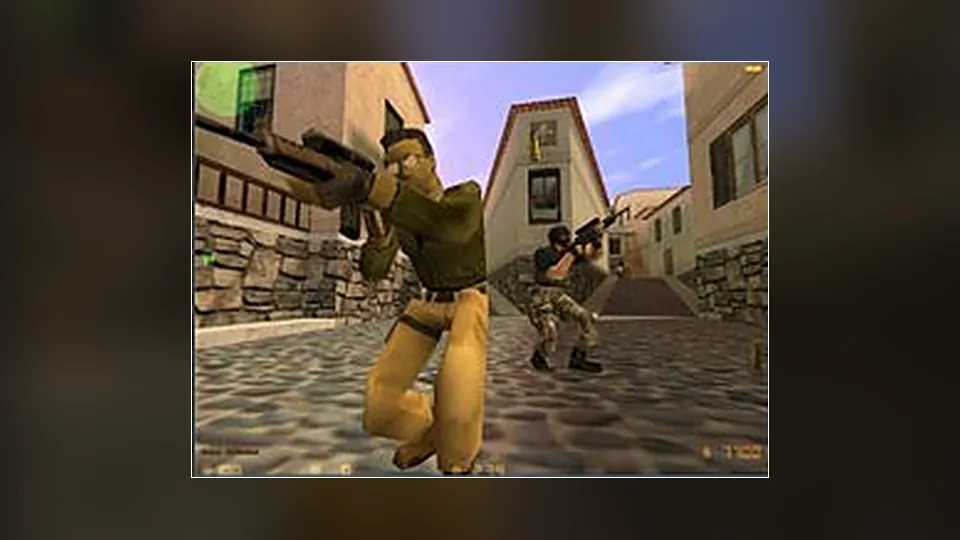
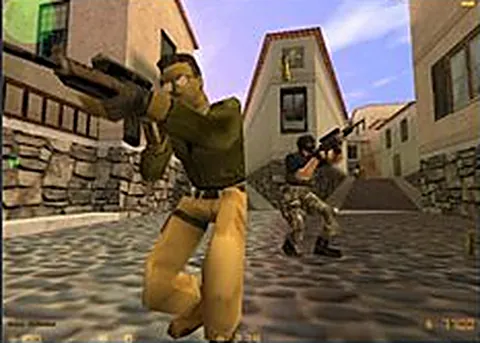
Counter-Strike began in 1999 as a Half-Life mod and grew into its own game, and version 1.6 is the one most people picture when they hear the name: Dust2, round based economy, and a buy menu that opens on a keypress. Pairing it with Half-Life makes sense because both run on GoldSrc. The engine does not care which set of assets you load, so one page can boot either game.
webXash3D is the project name you will see in the loader, an Emscripten port of the same open source engine family used by the single game Half-Life page. It contains no Valve content at all. You choose the game, then supply the matching folder from an installation you own: valve data for Half-Life, cstrike data for Counter-Strike 1.6. We link to the project rather than hosting anything, and no game data ships with it.
First load is slower than a normal web page because the engine binary and your files both have to be read into memory. Expect a black canvas, then a menu. Which game you get depends entirely on which folder you hand over, so pick one before you start rather than mixing them. Treat the campaign and offline play as the reliable part of this build, and online servers as something to test for yourself.
How to play Half-Life / Counter-Strike 1.6 (webXash) in your browser
- Open the webXash page in a desktop browser with WebAssembly enabled.
- Decide whether you are starting Half-Life or Counter-Strike 1.6.
- Select the matching game folder from a copy you own when prompted.
- Wait for the engine to finish reading the assets into memory.
- Click inside the canvas so the page captures your keyboard.
- Choose a map or start the campaign from the in game menu.
Controls
| Input | Action |
|---|---|
| W A S D | Move |
| Mouse | Look and aim |
| Left click | Fire |
| Right click | Secondary fire or aim |
| R | Reload |
| B | Open the Counter-Strike buy menu |
| 1 to 5 | Switch weapons |
| Shift | Walk quietly |
| Space | Jump |
| Esc | Open the menu |
Controls can differ between builds. Most of these games let you rebind keys from their own settings menu, and you can press Esc to release the mouse pointer.
Tips for Half-Life / Counter-Strike 1.6 (webXash)
- Decide which game you are playing before you load, because the folder you select determines which one starts.
- Keep a clean copy of the game folder somewhere permanent so you are not digging through directories every visit.
- Learn the buy menu keys before your first round, because the economy punishes anyone still reading the list.
- Set a smaller render resolution in the options if the frame rate dips, since scaling costs less than a bigger window.
- Use headphones for Counter-Strike, where footsteps decide more rounds than raw aim does.
- If the engine fails to start, reload the page and reselect the folder instead of assuming the port is broken.
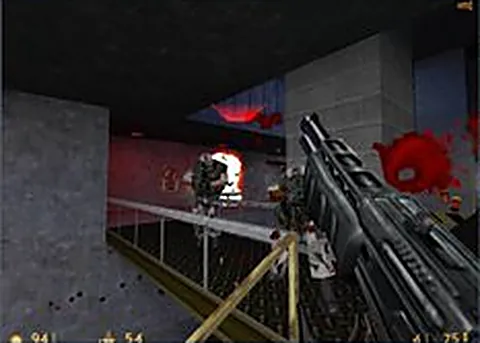
Screenshots
Half-Life / Counter-Strike 1.6 (webXash) FAQ
Is this Half-Life and Counter-Strike 1.6 browser loader free?
Opening the loader costs nothing, but neither game is included. You bring files from a copy you own, and we do not host or provide game files. The engine itself is an open source community project with no price attached.
Do I need my own copy of Counter-Strike 1.6 to play it here?
Yes. Counter-Strike 1.6 files come from a Steam installation or an old retail copy, and the loader cannot invent them. Half-Life works the same way, so plan on owning whichever of the two you want to start.
Can I play Counter-Strike 1.6 online against other people in a browser?
That depends on what the project enables, and it changes over time, so test it rather than assuming. The campaign and offline matches are the dependable part. If online play matters to you, check the project page before relying on it.
Why does the page show a black screen after I select my files?
A black canvas usually means the engine started but the assets it expected were not in the folder you picked. Select the valve or cstrike directory itself, wait for the read to finish, then click inside the canvas and open the menu.
Does this work on a phone or a Chromebook?
A phone has no way to hand the loader a game folder and no practical way to aim, so it is out. A Chromebook with a keyboard and mouse can work if it has enough memory, though a normal desktop is the safer bet.
Is the Half-Life and Counter-Strike 1.6 browser build official?
No. Valve has not shipped either game as a web build. This is a fan run project using an open source engine, and it has no affiliation with Valve or with the creators of Counter-Strike.
Is it legal to run Counter-Strike 1.6 from my own files in a browser?
Using game files you own with a community engine is the same position as running them locally on your own machine. Picking up the files from a mirror you do not own is where it stops being fine, so bring your own copy.
Games like Half-Life / Counter-Strike 1.6 (webXash)
Same genre, same energy, also playable in a tab.