Play Quake II in Your Browser
Quake II traded gothic castles for a Strogg invasion and added a proper single-player campaign to id's shooter formula. This browser build runs the game through WebAssembly with online servers, so you can play deathmatch in a tab with no install.
Advertisement
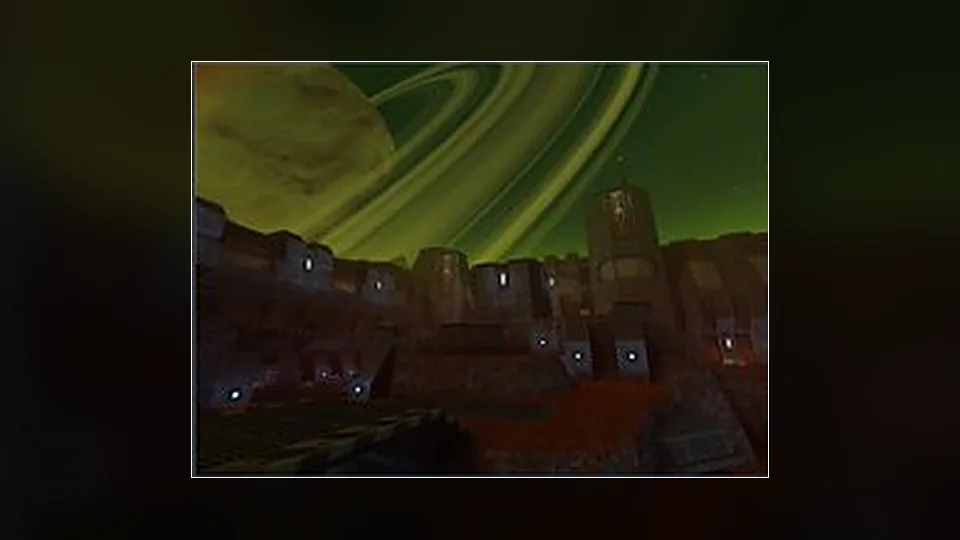
What is Quake II?
Quake II is the one with the blaster, the shotgun, the railgun and a campaign that strings industrial bases together across a hostile planet. Its movement is a touch heavier than the first game, and its weapon balance is a different puzzle, which is why players argue about which entry is better to this day.
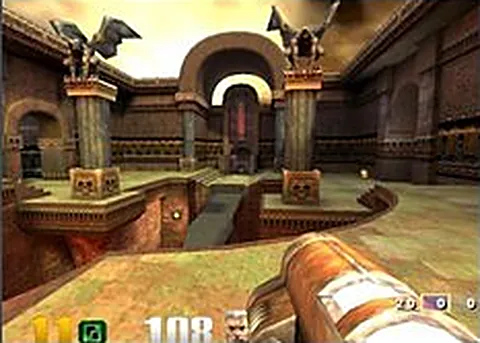
The browser version compiles the client for the web and connects to online servers, so deathmatch is the centerpiece. You join a match with real players, learn the map's item timings, and fight over the railgun. The renderer keeps the original's chunky look while running at frame rates the 1997 release could only dream about.
Load time is the first hurdle. The engine and the game data it draws on come down the wire, so a slow connection means a longer wait before you spawn. After that, rejoining is faster and the client feels responsive on hardware that is not remotely modern, which is a pleasant surprise.
This page does not host the game. We link to the project that built the port, and we have no affiliation with id Software or the rights holders, so there is no support line behind the client. The official remaster is a separate purchase, and it is the version to choose when you want support and the expansion content.
How to play Quake II in your browser
- Open the project page and let the browser client download what it needs
- Set a player name, then choose a server with players on it
- Click the canvas to capture the mouse and check your binds
- Grab a weapon and note where the armor and ammo sit
- Fight for the railgun and hold the strong positions
- Check the scoreboard, then switch maps when the round ends
Controls
| Input | Action |
|---|---|
| W A S D | Move |
| Mouse | Look |
| Left click | Fire |
| Right click | Zoom (railgun scope) |
| Space | Jump |
| Ctrl | Crouch |
| 1 to 9 | Select weapon |
| Tab | Show scores |
Controls can differ between builds. Most of these games let you rebind keys from their own settings menu, and you can press Esc to release the mouse pointer.
Tips for Quake II
- Time the railgun spawn instead of wandering, because the player holding it usually controls the map
- Circle strafe while firing the machine gun, since standing still against a railgun is a free kill
- Learn the difference between the hyperblaster and the chaingun, because one punishes crowds and the other punishes range
- Watch your armor value as closely as your health, because armor absorbs damage and buys you another fight
- Play a round on an empty server first to walk the map, then join a live match with the layout in your head
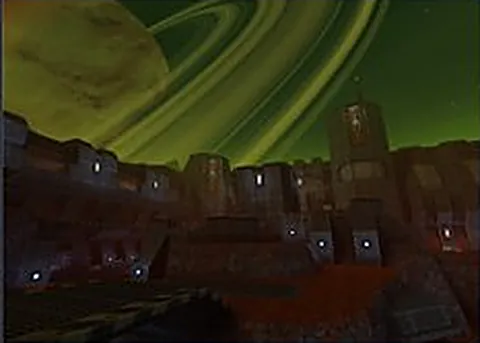
Screenshots
Quake II FAQ
Is Quake II in the browser free to play?
Yes, the client and the content it runs are free to access, and this site does not sell anything. You do not need to own the remaster or the 1997 release to join a browser match. We only link to the project.
Does Quake II in the browser include the single-player campaign?
The browser build is aimed at online deathmatch and the content that supports it, so treat multiplayer as the main event. Campaign support depends on what the project ships, so check its own notes rather than assuming a full solo run.
Can I play Quake II with friends online?
Yes, servers are live and you can join the same match as anyone else. Agree on a server or a time, since a quiet list outside peak hours may leave you fighting bots or nobody at all.
Is this the official Quake II browser release?
No, it is a community port with no involvement from id Software or the rights holders, and we are not affiliated with them. The official route is the remastered Quake II release, which bundles the expansions and a modern client.
Why is Quake II not loading in my browser?
The engine download is the usual bottleneck, and a slow connection can make it look stuck. Give it time, refresh once, and confirm that hardware acceleration and WebGL are enabled, since the client will not start without them.
Does it need a controller or special hardware?
Keyboard and mouse is what this client expects, and aiming with a mouse is essential against real players. Any reasonably modern desktop or laptop should manage, so the hardware bar is lower than the visual quality suggests.
Games like Quake II
Same genre, same energy, also playable in a tab.