Play CS Surf in Your Browser
CS Surf takes the Counter-Strike movement trick everyone loves and turns it into the whole game. This browser server runs surf maps in WebGL, so you can ride ramps, chain strafes and race the clock without installing Counter-Strike or hunting for a server.
Advertisement
What is CS Surf?
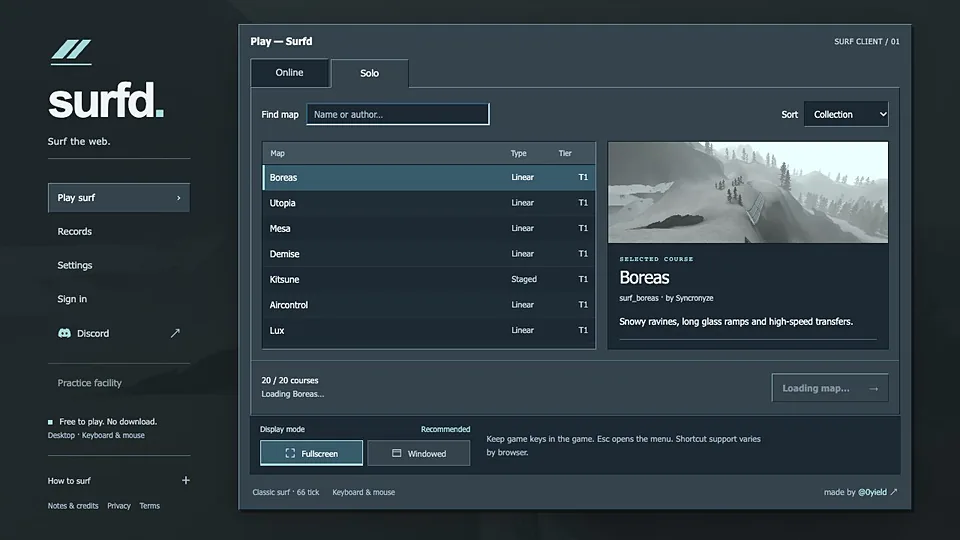
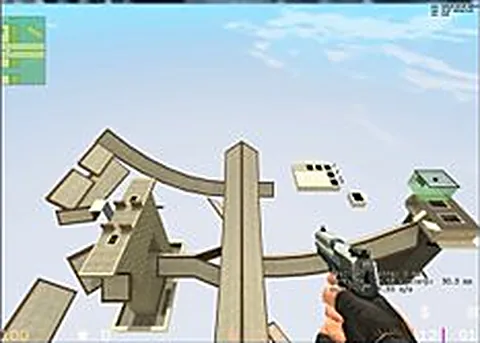
Surfing is a movement exploit that became a genre. You jump onto a sloped surface, hold the right keys, and slide along it while air strafing to hold speed. The maps are built entirely around that: long ramp runs, gaps, boosters and finish lines instead of bomb sites. This browser version serves those maps through a WebGL client with no install.
Because it is server-side, the game is live. You join a room, spawn on a course, and other players are running the same route, which matters for races and for learning by watching. Movement is the entire skill ceiling here, and small differences in timing decide whether you clear a gap or fall.
Expect a wait on first connect while the client fetches the current map and its assets. After that, rejoining is much quicker because the browser has already cached what it needs. Mouse look drives your strafe angle, so sensitivity settings change how a run feels, and a lower value is usually easier to control.
This site hosts nothing. The server and its maps belong to the people running the project, and we are not affiliated with Valve, the makers of Counter-Strike. The official games are still sold on Steam, which is the route to take if you want the full retail experience with its own servers and matchmaking.
How to play CS Surf in your browser
- Open the server page and let the WebGL client connect
- Wait for the map to download, then click to lock the pointer
- Jump onto the first ramp and hold your strafe keys to slide
- Aim along the surface with the mouse to hold your speed
- Release at the right moment to clear the next gap
- Finish the course, then restart and try to beat your time
Controls
| Input | Action |
|---|---|
| W A S D | Move and air strafe |
| Mouse | Look and steer your angle |
| Space | Jump onto ramps |
| Ctrl | Crouch |
| Shift | Walk (slower, steadier) |
| R | Reload |
| Left click | Fire |
| Y | Open chat |
Controls can differ between builds. Most of these games let you rebind keys from their own settings menu, and you can press Esc to release the mouse pointer.
Tips for CS Surf
- Hold the strafe key that points into the ramp, since the surface does the work while your input keeps you attached
- Move the mouse smoothly rather than in flicks, because sudden turns drop your speed and end the run
- Watch other players on the server, since copying a working line teaches more than reading about it
- Restart the course instead of fighting a bad position, because one clean run beats ten scrappy ones
- Lower your sensitivity before you start, since surf turns reward small corrections over large sweeps
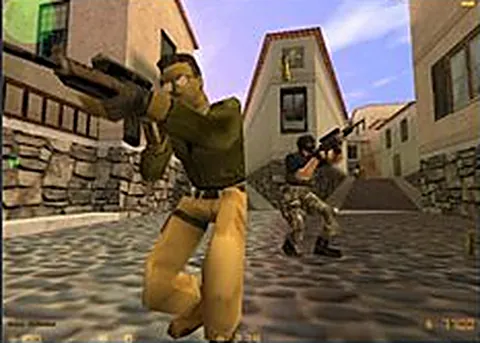
Screenshots
CS Surf FAQ
Is CS Surf free to play in the browser?
Yes. The surf server is open to anyone who opens the page, and nothing here is sold. You do not need Counter-Strike installed, and there is no account to create before your first run.
Is this CS Surf the official Counter-Strike surfing?
No. It is an independent browser project that recreates surf maps and movement, and we are not affiliated with Valve. Counter-Strike itself is Valve's game, still sold on Steam with its own community servers.
Can I play CS Surf with friends or other people online?
Yes, the maps are served live, so other players share the course with you. That is the point of a server like this: you can race, compare times and learn routes by watching someone who already knows them.
Why is CS Surf not loading or stuck connecting?
The client usually waits on the current map before it lets you spawn, and that can take a while on a slow connection. Refresh the page, try again, and remember that archived or community servers are the least reliable option of all.
Does CS Surf work on a phone or a Chromebook?
It is built for a keyboard and mouse, so a phone is not realistic. A Chromebook with an external mouse can work, though you may want to check that WebGL runs smoothly before committing to a long session.
Do I need my own Counter-Strike files?
No. The server supplies the maps and the client, so your own copy of Counter-Strike is not part of the setup. That also means you are playing the project's own build rather than the retail game's engine.
Games like CS Surf
Same genre, same energy, also playable in a tab.