Play Return to Castle Wolfenstein in Your Browser
Return to Castle Wolfenstein mixes stealth infiltration with the occult laboratories of the 2001 shooter, and this browser build compiles the iortcw engine for the web. What you get is the multiplayer half: the map rotation and the classes, running in a tab with no install and no retail copy needed.
Advertisement
What is Return to Castle Wolfenstein?
The 2001 game is part stealth, part shooting gallery, part horror. Early missions ask you to avoid alerting guards, later ones hand you a flamethrower and a room full of undead. That variety is why it is remembered fondly, and the browser port keeps the mission structure and the weapon roster intact.
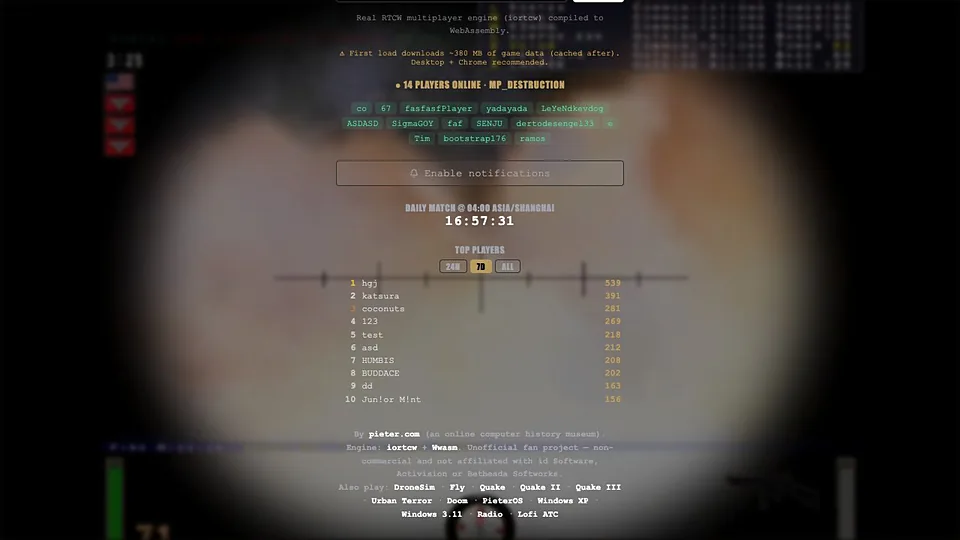
Multiplayer is the other half. The class-based online mode that grew out of this game has a long tail of players, and this client can join those servers through WebAssembly. You pick a class, play the objective, and use the map's fixed weapons rather than an arsenal you carry around.
The engine needs to load before anything else, which can take a while on a slow connection. Once it is running, keyboard and mouse input is standard, though you will want to check the binds early because the defaults date back to an era of different habits and will cost you fights.
We do not host the game or its servers. The link points at the project that built the port, and we are not affiliated with Activision or the studios behind the original, so official patches do not apply here. Retail copies still circulate, and they are the safest route if you want patches and customer support.
How to play Return to Castle Wolfenstein in your browser
- Open the project page and let the WebAssembly engine initialize
- Choose the campaign or the multiplayer server list
- Lock the pointer and review your key binds before starting
- Play the early missions quietly, using the knife where you can
- Switch to heavier weapons when the labs stop being subtle
- In multiplayer, pick a class and push the map objective
Controls
| Input | Action |
|---|---|
| W A S D | Move |
| Mouse | Look |
| Left click | Fire |
| R | Reload |
| Space | Jump |
| Ctrl | Crouch |
| Z and X | Lean left and right |
| Shift | Sprint (limited by stamina) |
| 1 to 9 | Select weapon |
| E | Use and pick up |
Controls can differ between builds. Most of these games let you rebind keys from their own settings menu, and you can press Esc to release the mouse pointer.
Tips for Return to Castle Wolfenstein
- Use the knife and the silenced weapon early, because an alarm brings guards you do not need to fight yet
- Lean around corners with the lean keys, since the game gives you that tool for a reason and it saves health
- Watch your stamina bar while sprinting, because running out leaves you slow exactly when a firefight starts
- Save the heavy weapons for the labs, where the enemies stop caring about stealth entirely
- In multiplayer, learn the fixed weapon spawns, because a class kit alone will not win an objective
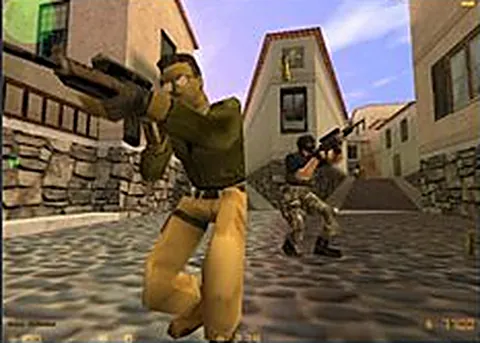
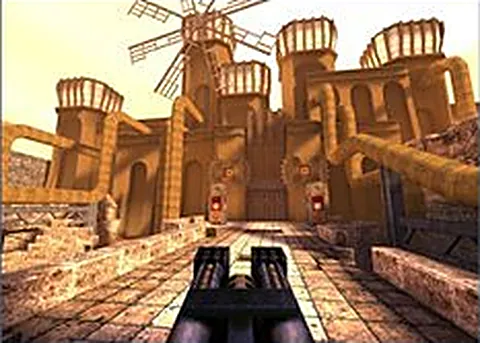
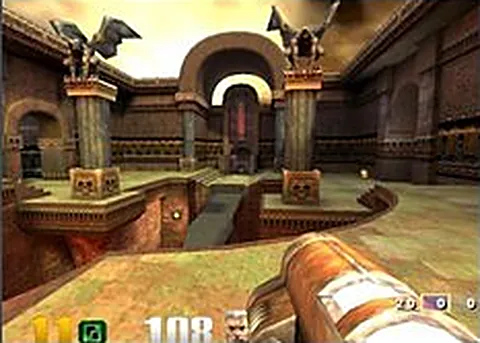
Screenshots

Return to Castle Wolfenstein FAQ
Is Return to Castle Wolfenstein in the browser free?
Yes, the port is free to open and play, and nothing on this site is sold. There is no retail key check standing in your way. We only link out to the project, which we do not host.
Can I play the Return to Castle Wolfenstein campaign in a browser?
Not through this project. It runs the multiplayer side of iortcw, with live servers and a map rotation. The single player campaign is not part of the build, so come here for online matches rather than the story.
Games like Return to Castle Wolfenstein
Same genre, same energy, also playable in a tab.