Play DOOM in Your Browser
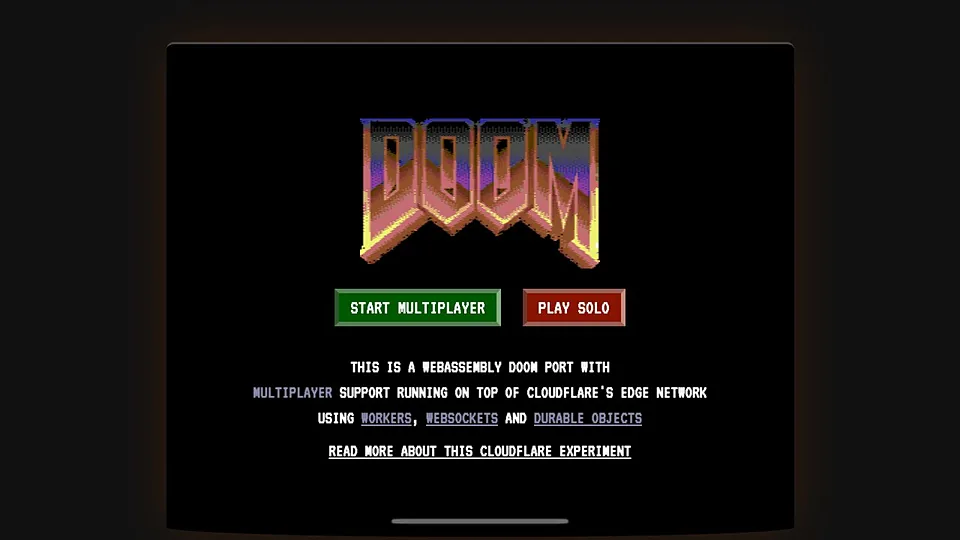
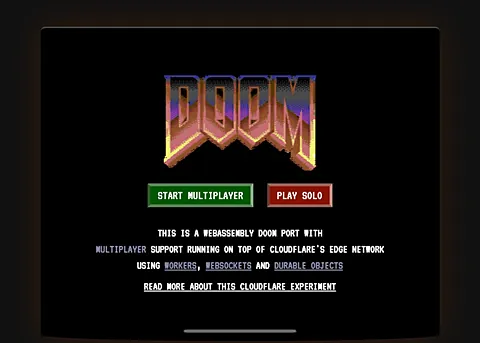
DOOM is the 1993 shooter from id Software that set the template for the genre, and this page runs a WebAssembly DOOM engine straight in a browser tab with no install. Expect the original weapons, demons and level design, not a remake. We only link to the project, we do not host the game files.
Advertisement
What is DOOM (Browser)?
id Software released DOOM in 1993 as a shareware episode followed by retail chapters, and it turned the first person shooter into a mainstream genre. The browser version here is the same game logic running through a WebAssembly build of a DOOM engine, which is why the graphics, sound and level layouts look and behave like the nineties original rather than a modern remaster.
Because the engine source has been public for decades, several browser ports exist, and each site decides which game data it serves. That means the mission list you see may be the shareware episode, a full set, or a curated selection of community maps. We do not host any of it, we only send you to the project page that does.
On the desktop the controls are what you would hope for: keyboard movement with mouse look, plus the number keys for weapons. On a phone the page may fall back to touch buttons, which works for a slow run through the first level but gets awkward when a room fills with imps. Either way the game loads quickly because the files involved are small by modern standards.
How to play DOOM (Browser) in your browser
- Point your browser at the DOOM page and let the engine start in the canvas
- Click the canvas once to lock the pointer for mouse look
- Choose a difficulty, then start a new game from the menu
- Collect weapons and ammo as you clear rooms of demons
- Find the exit switch on each level to move to the next map
- Save your run if the page offers save states or a level select
Controls
| Input | Action |
|---|---|
| W A S D | Move forward, back and sideways |
| Mouse | Turn and aim |
| Left click | Fire the current weapon |
| Space | Open doors and press switches |
| 1 to 7 | Select a weapon directly |
| Shift | Run faster while held |
Controls can differ between builds. Most of these games let you rebind keys from their own settings menu, and you can press Esc to release the mouse pointer.
Tips for DOOM (Browser)
- Strafe around a room instead of backing up, demons close distance quickly and standing still costs health.
- Save the shotgun for mid range fights, the pistol is fine for clearing weak enemies without wasting shells.
- Search walls for hidden panels, secrets usually hold armor, ammo or a weapon you will want later.
- Keep moving through a firefight, the original enemies rarely miss at close range.
- Try the classic cheat codes if the port enables them, IDDQD and IDKFA still work in many builds.
- Play with headphones if the audio works, monster growls tell you which direction a fight is coming from.
Screenshots
DOOM (Browser) FAQ
Is DOOM in the browser free to play?
It costs nothing to load and there is no purchase step. The engine source has been available for years and the shareware episode was always meant to be passed around, which is why browser builds exist. We link to the project instead of hosting anything.
Where can I play DOOM in a browser without installing anything?
Right here through the link on this page. The build runs inside the tab, so there is no installer, no launcher and no account. If the page is down, the same engine appears on other archive and fan sites that serve the game data themselves.
Does DOOM work on a phone or tablet?
The page can load on mobile and may show touch controls, but the game was designed around a keyboard and mouse. Aiming with a thumb on a small screen makes later levels unpleasant, so a laptop is a better fit.
Why is the browser DOOM page not loading?
Most failures come from the canvas needing a click before it starts, so click inside the black area first. If nothing happens, disable script blockers for the site, refresh, and try another browser, since some builds need specific WebAssembly or audio support.
Can I use a controller for DOOM in a browser?
Only if the specific port you land on maps gamepad input, which most classic engine builds do not. Keyboard and mouse remains the intended way to play, and the mouse look in a WebAssembly build usually feels close to a source port.
Is this the 1993 original or a remake?
It is the 1993 game, running through a recompiled engine in your browser. Sprites, level geometry, weapon behavior and the soundtrack are the originals, so expect pixelated demons and a very fast movement speed rather than modern visuals.
Games like DOOM (Browser)
Same genre, same energy, also playable in a tab.