Play Quake in Your Browser
Quake invented the modern arena shooter in 1996, and this browser build runs a QuakeWorld client through WebAssembly so you can join live games from a tab. It is a fast, free way to play the original deathmatch with no install and no launcher.
Advertisement
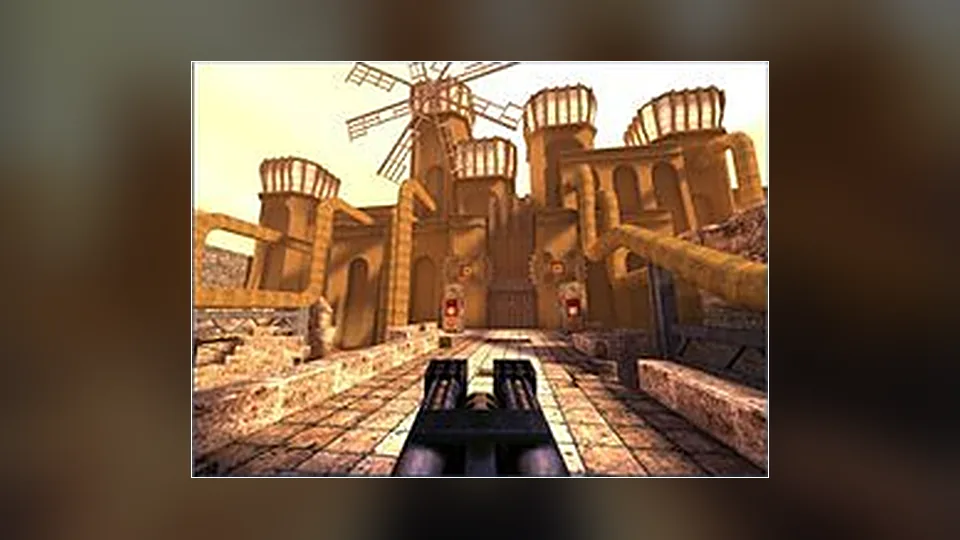
What is Quake?
Quake's legacy is movement and rockets. You run faster than you expect, you jump further by aiming at the floor with a rocket launcher, and every map rewards players who know where the armor and the mega health sit. The browser client keeps that tuning, which is the part that matters most after thirty years.
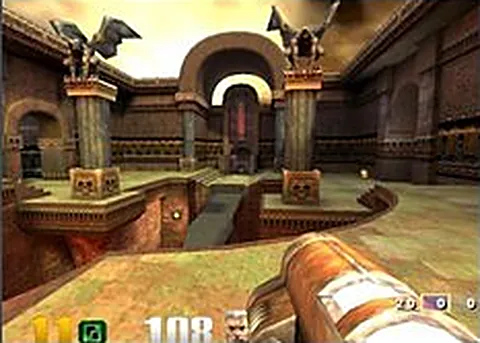
This is a QuakeWorld client compiled to WebAssembly and pointed at public servers, so you are playing against real people rather than bots. You join a match, pick a name, and start shooting. The renderer is the classic software-era geometry with modern conveniences layered on top, which is exactly what returning players want.
First load involves fetching the engine, and the game data it uses has been distributed freely for years without anyone objecting. Give it a moment on a slow connection, then bind your keys, because Quake's default layout is older than most players' habits and will feel strange for a match or two.
We do not host anything. The link goes to the project page, and the project has no connection to id Software or any current rights holder, so nobody official can fix a broken server. Quake is also sold in a remastered form, which is the version to buy if you want official support and the expansion packs.
How to play Quake in your browser
- Open the project page and let the WebAssembly client download and start
- Enter a player name and pick a server from the list
- Click to lock the pointer, then bind your movement keys
- Find a weapon on the map and learn the armor locations
- Practice strafe jumping and rocket jumps in a quiet corner
- Join the fight and watch the scoreboard to track your frags
Controls
| Input | Action |
|---|---|
| W A S D | Move |
| Mouse | Look |
| Left click | Fire |
| Space | Jump |
| 1 to 8 | Select weapon |
| Mouse wheel | Cycle weapons |
| Tab | Show scores |
| Enter | Open chat |
Controls can differ between builds. Most of these games let you rebind keys from their own settings menu, and you can press Esc to release the mouse pointer.
Tips for Quake
- Aim a rocket at your feet and jump in the same instant to cross gaps quickly, at the cost of health
- Learn where the red armor and mega health spawn, because map control wins more fights than raw aim
- Hold the strafe keys while turning to build speed, since Quake's air control rewards committed movement
- Use the shotgun at close range and the rocket launcher at medium, because the wrong weapon loses exchanges
- Watch how experienced players path around a map, then copy their routes until the layout feels automatic
Screenshots
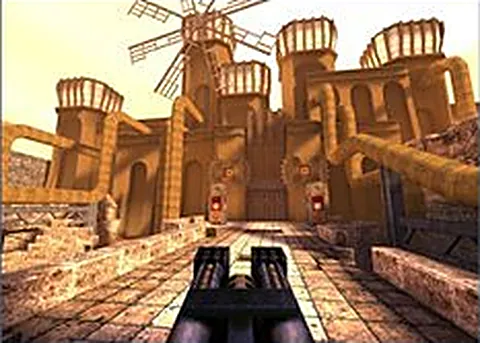
Quake FAQ
Is Quake in the browser free?
Yes, this client is free to open and play, and no store purchase is involved. The content it runs has been shared freely for years, so you can join servers without owning anything first. We only link out to the project.
Can I play Quake online against other people?
Yes. The build is a QuakeWorld client connected to live servers, so you are playing real opponents. Server lists change over time, and quieter hours mean fewer games, so check what is populated before you settle in.
Is this the official Quake browser version?
No. It is a community client built for the web, and we are not affiliated with id Software or the current rights holders. The official option is the remastered release, which includes the original campaign and its expansions.
Does Quake in the browser need my own game files?
No, this client runs on freely distributed game data, so there is nothing for you to copy over. That keeps the barrier low, and it also means you are playing the classic content rather than any newer expansion packs.
Why is the browser client not connecting to a server?
Server lists are community run, so an empty list or a dead address is normal at quiet times. Refresh, try a different server, and if the engine itself will not start, check that your browser has WebGL enabled.
Does Quake work on a phone or Chromebook?
It is built around keyboard and mouse, so phones are a bad fit. A Chromebook with a mouse and a real keyboard can work well, since the client is light enough to run comfortably on modest hardware.
Games like Quake
Same genre, same energy, also playable in a tab.