Play PES 6 in Your Browser
PES 6 is Konami's 2006 football game, the Pro Evolution Soccer entry many players still rate highest. This browser version is an unofficial fan port built with WebAssembly, so there is no install, no disc and no console. We link out to the project rather than hosting it.
Advertisement
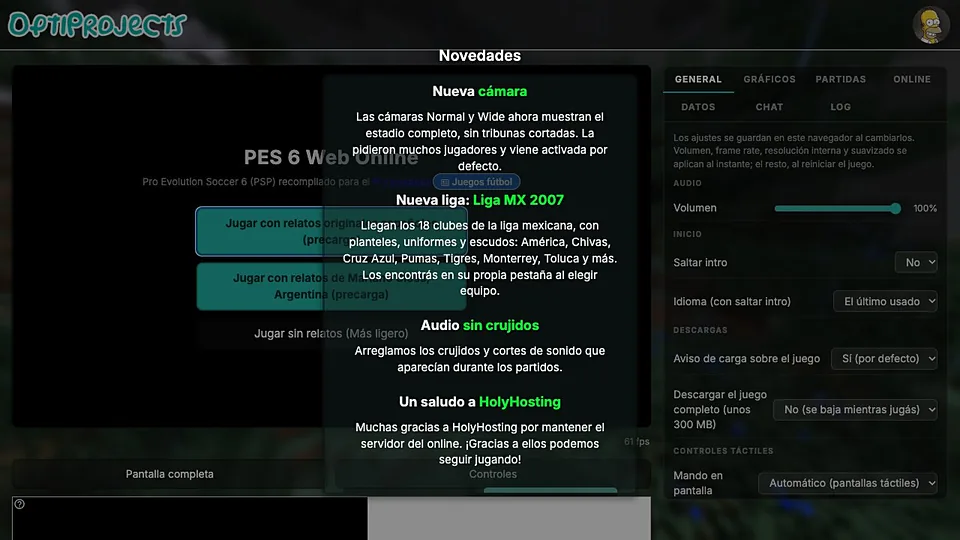
What is PES 6 (Web)?
The original PES 6 arrived in 2006 on PC, PlayStation 2 and Xbox 360, with the PC release becoming the base for a long modding scene. This web build comes from fans rather than Konami, and it carries no affiliation with the publisher or with the Pro Evolution Soccer brand. Squads, kits and menus may reflect a patched community version instead of the 2006 retail disc.
Loading happens in the background while the page compiles the build, so the first visit is slower than a normal web page. After that the match engine runs locally in the tab. A keyboard is the default input, and the port maps passing, shooting and sprinting onto separate keys rather than a console pad layout.
Expect the football to be the strongest part. Exhibition matches and standard play are the likely core, while anything the original handled through online services, such as certain multiplayer modes, is the first thing to go missing in a fan port. Save data usually lives in the browser, which means clearing site data can wipe it.
How to play PES 6 (Web) in your browser
- Head to the PES 6 page and wait while the WebAssembly build compiles
- Click the canvas so the keyboard controls the menus
- Pick an exhibition match, choose two teams and set the difficulty
- Use the pass key to move the ball and the shoot key to finish
- Hold sprint on the break, then release it before you strike the ball
- Switch players with the change key when the opposition has possession
Controls
| Input | Action |
|---|---|
| Arrow keys | Move the active player |
| X | Short pass to the nearest teammate |
| D | Shoot or clear the ball |
| W | Through ball into space |
| Shift | Sprint with or without the ball |
| S | Switch to the player closest to the ball |
Controls can differ between builds. Most of these games let you rebind keys from their own settings menu, and you can press Esc to release the mouse pointer.
Tips for PES 6 (Web)
- Play a few minutes on the default keys before rebinding anything, the pass and shoot split takes getting used to.
- Hold sprint only in open space, a sprinting player takes heavier touches and loses the ball.
- Use through balls against a deep defense, ground passes get crowded out in the final third.
- Lower the resolution or detail if the match stutters, football games punish a low frame rate more than most.
- Keep the tab in the foreground while it loads, background throttling can stretch the first compile.
- Try a USB controller if the port reads the Gamepad API, the original pad layout makes shooting feel natural.
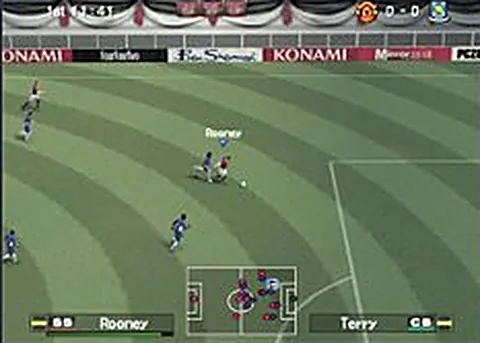
Screenshots
PES 6 (Web) FAQ
Is the PES 6 browser port free?
The page asks for nothing to play, and no store purchase or subscription is involved. It is a fan project rather than a Konami product, so there is no official pricing behind it. Check the site for any change before you count on it staying that way.
Is this the official Konami PES 6?
No. Konami published PES 6 in 2006, and this browser build is an unofficial fan port with no affiliation to Konami or to the Pro Evolution Soccer series. If you want the supported original, buy it on a platform that still sells it.
Can I play PES 6 in a browser on my phone?
The port targets desktop browsers and expects a keyboard, and touch screens have no comfortable way to hold sprint while aiming a shot. A laptop or desktop is the realistic option right now.
Why is the PES 6 web build laggy during matches?
WebAssembly football games lean on the processor for physics and animation, so an older laptop will drop frames. Close other tabs, lower the visual settings if the port offers them, and keep the browser up to date before you blame the port.
Does the browser version of PES 6 work with a controller?
It can, if the build listens for the browser Gamepad API. Wired pads are more reliable than Bluetooth ones here, and the on-screen key list usually tells you whether the port expects a pad or a keyboard.
Can I play PES 6 online against other people?
Nothing suggests the fan port carries the original online service, and community servers for a 2006 title are separate from this page. Treat the browser build as a local match experience and check the project page for any multiplayer notes.
Games like PES 6 (Web)
Same genre, same energy, also playable in a tab.