Play Minecraft Classic in Your Browser, the Official Build
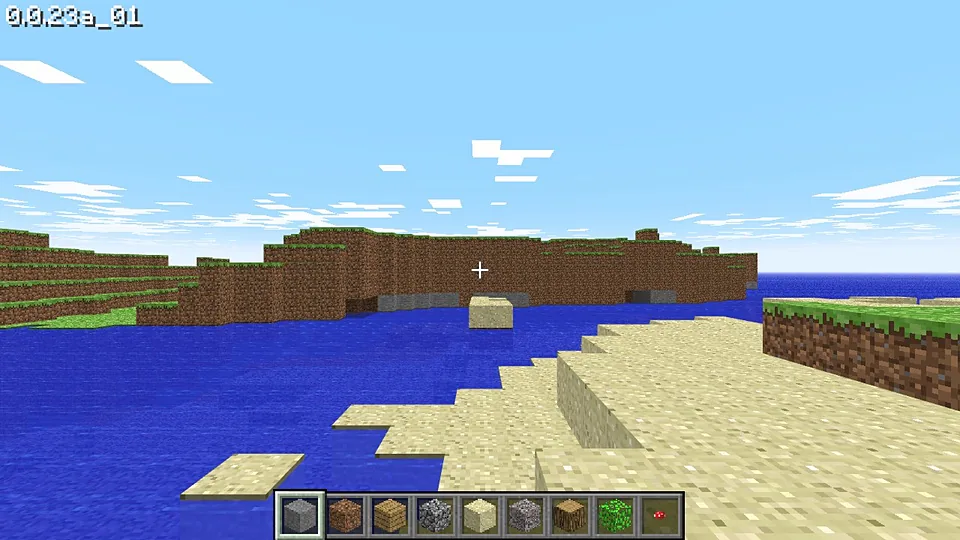
Minecraft Classic is the official Mojang browser version of the game, not a fan port and not an emulator. It recreates the 2009 Creative mode where every block is free, the world is bounded on all sides, and there is no survival loop. You open a URL, pick a name, and build.
Advertisement
What is Minecraft Classic?
Classic is the version that made Minecraft spread in the first place: a free browser demo from 2009 with Creative rules, a limited map and a small block palette by modern standards. Mojang later republished it at its own address, partly as a preservation gesture and partly as a nod to the game's early days. It is short on features and long on nostalgia.
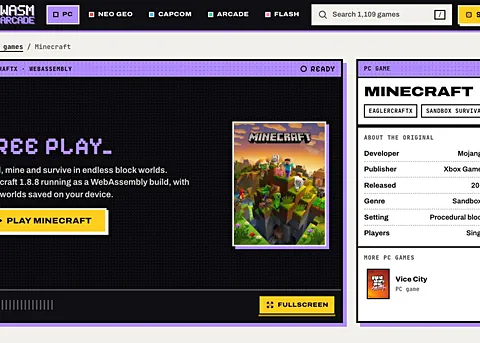
The difference between this and the Eaglercraft entry on the site is authorship and support. Minecraft Classic is published by Mojang, the company that owns Minecraft, and it is the version you can point to as official. Eaglercraft is a community client built without permission. If being on the right side of that line matters to you, play Classic and let the fan builds be curiosities.
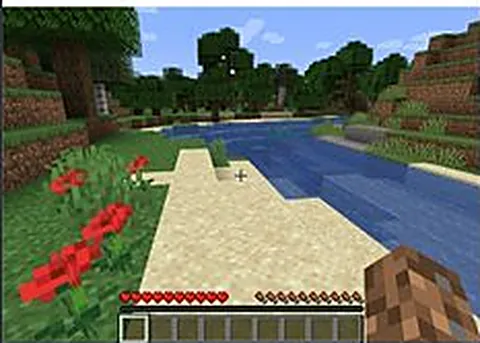
The scope is deliberately small. There is no crafting, no hunger, no mobs hunting you and no night that hurts. You can fly once you unlock it the usual way, place and destroy blocks, and open a world to other people with a share link. Performance is excellent because so little is being simulated, and it runs on hardware that would not touch the modern game.
How to play Minecraft Classic in your browser
- Open the official Minecraft Classic address in any modern browser.
- Enter a username, which stays local and needs no Mojang account.
- Click to start a fresh world and let the terrain generate.
- Select a block from the hotbar and start building.
- Press the jump key twice to begin flying over your build.
- Use the share option to invite a friend into the same world.
Controls
| Input | Action |
|---|---|
| W A S D | Move |
| Mouse | Look around |
| Left click | Break a block |
| Right click | Place a block |
| Space | Jump, twice to fly |
| Shift | Descend while flying |
| 1 to 9 | Choose a block from the hotbar |
| Mouse wheel | Scroll through the block palette |
Controls can differ between builds. Most of these games let you rebind keys from their own settings menu, and you can press Esc to release the mouse pointer.
Tips for Minecraft Classic
- Use it as a building sandbox rather than a survival game, since there is no combat, hunger or crafting here.
- Try the multiplayer link if you want company, because a shared world beats an empty map.
- Build upward rather than outward, as the classic map is limited and the edges arrive quickly.
- Play on whatever hardware you have, since this build is light enough for a school Chromebook.
- Check the block palette before you plan a build, because the selection is far smaller than in the modern game.
- Invite someone who has never played Minecraft, as Classic explains the appeal in about five minutes.
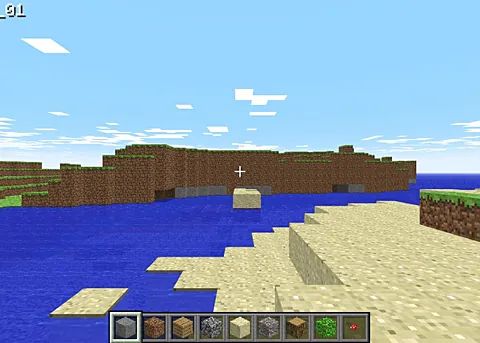
Screenshots
Minecraft Classic FAQ
Is Minecraft Classic the official Minecraft browser game?
Yes. Mojang publishes Minecraft Classic at its own address, which makes it the official browser build and the safe answer to anyone asking for the real thing. It is based on the 2009 Creative mode rather than the modern game, so expect a fraction of the features.
Does Minecraft Classic cost anything?
It is free to play in a browser, with no account and no purchase. Mojang hosts it as a historical version of the game, while the paid editions are the modern Java and Bedrock releases. There is nothing to install and nothing to enter.
Can I play Minecraft Classic on a phone or Chromebook?
Yes, more so than any other entry on this site. The world is small, the rendering is light, and touch or trackpad input is workable for building, though a mouse is still nicer. Chromebooks handle it comfortably.
Is Minecraft Classic multiplayer?
You can open a world to other people and share it with a link, which is how the official build handles multiplayer. It is designed for small groups rather than public servers. Everyone needs the link and a browser, and nothing else.
Why is Minecraft Classic not loading?
The address has been stable for years, so a failure usually points to your side: an extension blocking WebGL, a browser too old to render it, or a brief outage. Try a different browser and check that hardware acceleration is enabled.
What is the difference between Minecraft Classic and Eaglercraft?
Minecraft Classic is published by Mojang and is the official browser version. Eaglercraft is an unofficial client made by fans, aimed at a later version of the game. If you want the build the rights holder actually released, Classic is the one.
Do I need a Mojang account for Minecraft Classic?
No. The browser build asks only for a username, and that name is local to your session rather than tied to a real account. Signing in is required for the paid editions of the game, not for this one.
Games like Minecraft Classic
Same genre, same energy, also playable in a tab.