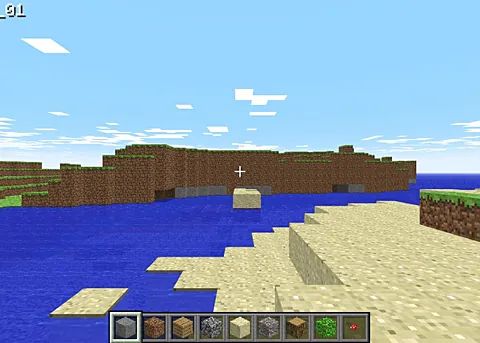
WASM Arcade: More Browser Ports in One Place
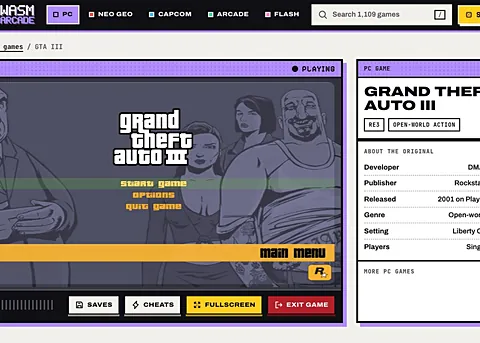
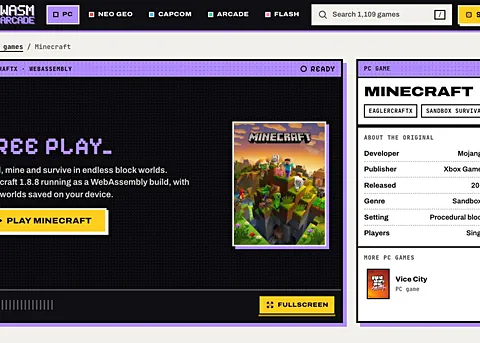
WASM Arcade is not one game, and it is not pretending to be. It is a collection page that gathers WebAssembly ports of well known titles, including GTA III and a Minecraft client, behind a single address. Treat it as an entry point: pick a build from the list, then judge each one on its own.
Advertisement
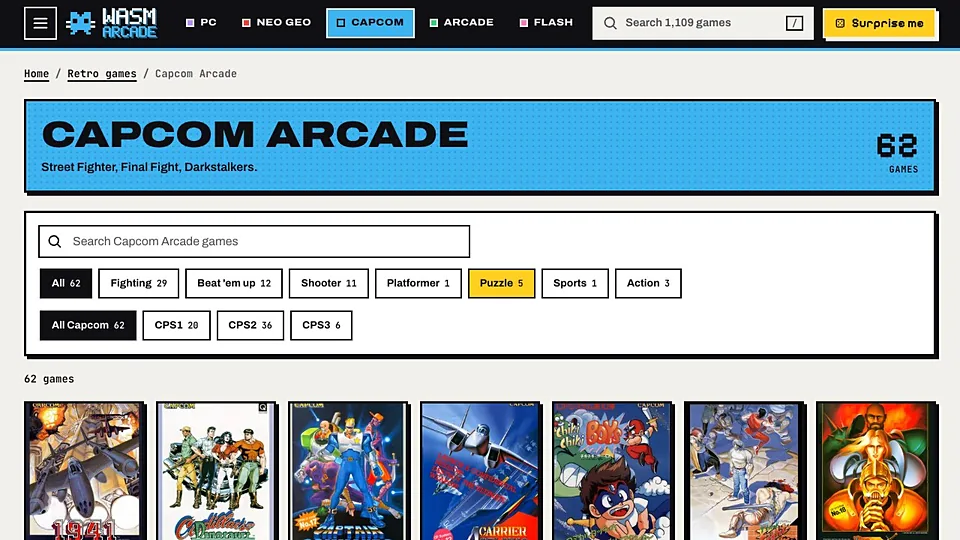
What is WASM Arcade (more GTA and Minecraft)?
A hub like this exists because single ports are fragile. When a project moves or a host goes quiet, the game disappears with it. Gathering several WebAssembly builds on one page gives you a fallback, so if one title fails to start the rest of the list is still there. The trade off is that a collection can only be as good as the projects it links to.
The builds behind a page like this vary enormously in maturity. Some are polished ports with menus, settings and saving, while others are experiments that boot to a title screen and stop. Read any note next to a title before you click, because it usually says whether that build wants game files, a certain browser, or a lot of memory. Every entry is meant to run with no install, though the heavier ones still want a desktop.
Expect a mixed bag, and budget your time accordingly. The good builds load quickly and play well, and the weak ones waste ten minutes. Bookmark whatever works for you, because hub pages reorganize and links move. If you came for one specific game, check whether it has a dedicated page on this site first, since a direct link is usually the better route.
How to play WASM Arcade (more GTA and Minecraft) in your browser
- Open the WASM Arcade site in a desktop browser with WebAssembly support.
- Scan the list and read any notes attached to each entry.
- Click one game rather than opening several at once.
- Wait for that build to load before judging its frame rate.
- Play for a few minutes, then decide whether to keep it.
- Bookmark anything worth returning to while you still have it open.
Controls
| Input | Action |
|---|---|
| W A S D | Move in most of the 3D builds |
| Mouse | Look or aim |
| Left click | Primary action or attack |
| Space | Jump or confirm |
| Arrow keys | Navigate older or emulated entries |
| Enter | Confirm a menu selection |
| Esc | Pause or open a build's own menu |
Controls can differ between builds. Most of these games let you rebind keys from their own settings menu, and you can press Esc to release the mouse pointer.
Tips for WASM Arcade (more GTA and Minecraft)
- Read the label next to each entry, since a build that needs game files will not work without them.
- Try one build at a time, because several heavy WebAssembly tabs will slow each other down.
- Note which browser worked for you, as ports differ in how they handle memory and input.
- Give a slow loader a full minute before you call it dead, since the bundles can be large.
- Use the dedicated pages on this site for GTA III and Minecraft if you want a tested link.
- Ignore anything on a hub that asks you to install an extension or run a file.
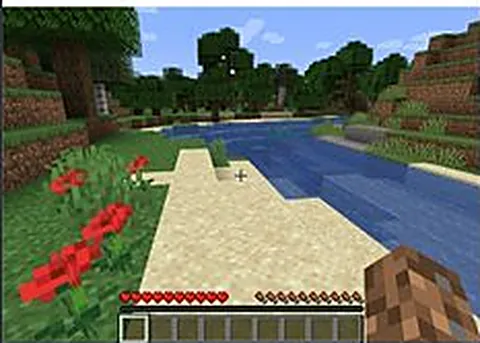
Screenshots
WASM Arcade (more GTA and Minecraft) FAQ
Is WASM Arcade a single browser game?
No, it is a collection page. It gathers WebAssembly ports of several titles, including open world and sandbox games, and each one is a separate project with its own quality level. You pick one from the list and play it in the same tab.
Are the games on WASM Arcade free?
Most builds listed on hub pages like this are free to open, and none of them are ours to sell. Some may ask for files from a commercial game you already own. Always check what a specific entry requires before you commit time to it.
Does WASM Arcade host the games it links to?
Generally no, and we do not host anything at all. A collection page points at projects hosted elsewhere, which is why links on hubs break more often than links to first party sites. If something is missing, the original project is the place to look.
Why is a game on WASM Arcade not loading?
Hubs list experiments as well as finished ports, so a dead entry is normal. The page may have moved, the build may need a desktop browser, or your machine may lack the memory it wants. Try a second entry before deciding the site is broken.
Can I use WASM Arcade on a phone or Chromebook?
The heavier ports target desktop browsers and keyboard input, so phones rarely work well. Chromebooks can handle the lighter entries but struggle with open world builds. For a tested experience, use a desktop with a modern graphics chip.
Is WASM Arcade an official game store?
Not at all. It is an independent collection of browser ports, with no affiliation to the publishers whose games inspired the builds. Nothing there is a licensed storefront, and no purchase is involved at any point.
Games like WASM Arcade (more GTA and Minecraft)
Same genre, same energy, also playable in a tab.