How to Play Classic PC Games in Your Browser
There are three routes from a PC game to a browser tab, and each one fails in its own way.
Updated 2026-10-10 · 5 min read
Three Paths From a Desktop Game to a Tab
Playing a PC game in a browser happens through one of three routes, and the route decides everything about how the game feels, how long it takes to load and what it asks of you. The first is a game written for the web in the first place. The second is a PC engine recompiled to WebAssembly. The third is emulation, where a virtual machine runs the original release inside the tab.
None of these are hacks. Browsers ship a graphics API, a sandbox for compiled code, an audio pipeline and a pointer lock API, which is most of what a game engine needs. What browsers do not ship is your old game disc, so the file question comes up constantly and it is worth understanding before you click anything.
Path One: Native WebGL Games Built for Browsers
The simplest route is a game that never existed anywhere else. Krunker (2018) and Shell Shockers (2017) are native WebGL shooters with matchmaking, built to run in a tab and designed around it. They load quickly because there is no engine port to compile and no original data to find.
Slither.io (2016) and Agar.io (2015) are even leaner: HTML5 canvas, a single mechanic and a live server. Zombs Royale (2018) applies the same thinking to battle royale. Skate Rust (2025) is a newer independent project in the same category, a skating game built on a WebGL engine rather than a console release behind it.
The giveaway is behavior rather than branding. Native games start fast, run in a modest memory footprint and usually surround the canvas with a modern web interface. If a page instead shows a long progress bar for a large engine file, you are not in this category.
Path Two: WebAssembly Ports of PC Engines
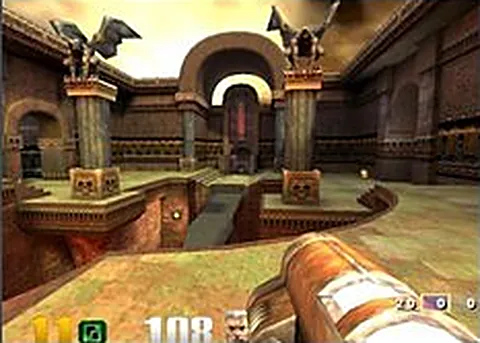
The second route takes the original engine, or an open source reimplementation of it, compiles it to WebAssembly and renders through WebGL. Quake (1996), Quake II (1997) and Quake III Arena (1999) run this way with online servers attached, and Return to Castle Wolfenstein (2001) uses an iortcw build that preserves its class-based multiplayer.
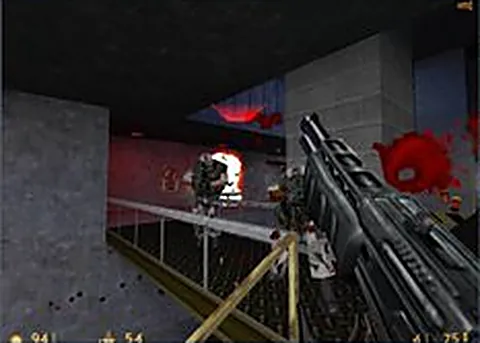
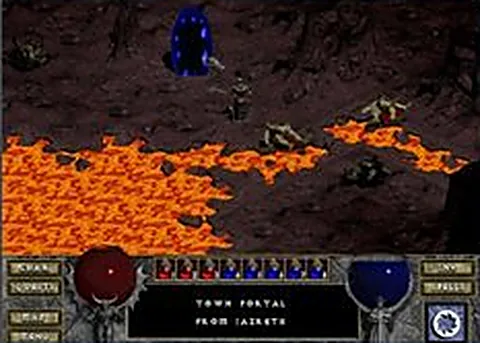
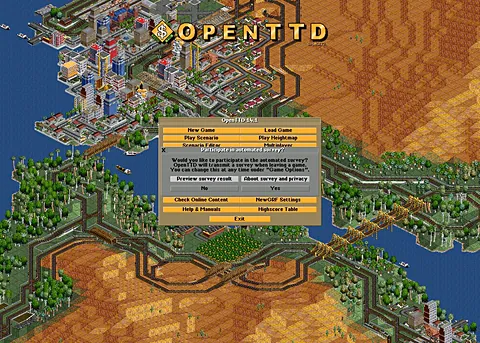
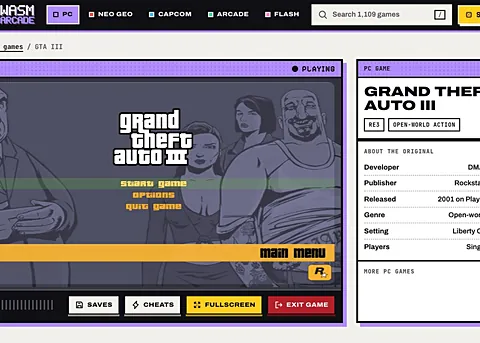
Half-Life (Web) uses Xash3D FWGS compiled to WebAssembly, Diablo (Web) uses DevilutionX, and GTA: Vice City (WASM) and GTA III (WASM) use the reVC and re3 engines. OpenTTD (Web) is a straight Emscripten build of a project that was always open source, which is why it needs no data files from you at all.
This route delivers the real thing, menus and quirks included, but it is where most of the friction lives. Some ports bundle everything they need. Others, including Half-Life / Counter-Strike 1.6 (webXash), ask you to point the page at game data from a copy you own.
- Usually playable instantly: Quake, Quake II, Quake III Arena, DOOM (Browser)
- Wants your own game data: Half-Life (Web), Diablo (Web), GTA: Vice City (WASM)
- Heavier first load to expect: The Simpsons: Hit & Run, Halo: Combat Evolved (Web)
Path Three: Emulation of DOS and Console Releases
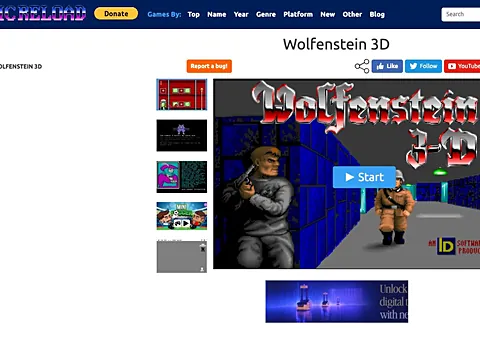
The third route emulates the machine the game was made for. Wolfenstein 3D (1992) is offered through DOS emulation, which means a brief boot sequence, a virtual keyboard and the original timing. That is the appeal as much as the drawback: you are playing the 1992 release rather than a reimplementation of it.
Emulation shows up elsewhere in subtler forms. Classic console and handheld titles reach browsers through emulators written in JavaScript or WebAssembly, and the better ones support save states, which a real cartridge never did. Emulation is the least efficient route, so expect the highest battery drain and the fussiest controls.
One entry looks like emulation but is not. Prince of Persia (1989) on this site is a JavaScript rewrite of the original game, rebuilt rather than emulated, which is why it loads so quickly and behaves like a web app rather than a virtual machine.
How to Tell Which One You Are Opening
Look at the page before you look at the game. If a tab opens straight into a menu, you are dealing with a native game or a self-contained port. If it asks you to select a folder, a .wad, a .pak or an archive of game data, you are dealing with a port that needs the original files from a copy you own.
If you see a virtual keyboard, a save state button or a boot screen, that is emulation. If the first load shows a long progress bar followed by a smooth second visit, you are watching WebAssembly compile and cache. These signals tell you what to expect from performance, controls and file requirements before you invest an evening.
One more signal is the game page itself. A tech line that reads WebGL usually means native code, WebAssembly means a compiled engine, and emulation means the original release running inside a virtual machine. Match that against the behavior you see and the whole category becomes predictable.
- Check whether the page loads instantly or asks for game files
- Read the tech line on the game page: WebGL, WebAssembly or emulation
- Test the mouse and keyboard in the menu before starting a match
Where the Game Files Come From
Open source engine projects are the reason most of this works. id Software released the Quake source, Valve's GoldSrc has been reimplemented as Xash3D, and DevilutionX, iortcw, ioquake3, re3 and reVC are all community projects that recreate or rebuild a commercial engine. The engine is free. The art, sound and level data usually are not.
That is why some ports ask for files. You supply data from a copy you own, the game runs in your tab, and the page hosts no assets of its own. If a site offers to hand you a full game's data as a single archive, treat that as a reason to slow down rather than a convenience.
When It Does Not Work: A Fix Order
Start with the browser. Use a current desktop browser and avoid in-app browsers inside chat or social apps, since those often block pointer lock and graphics features. Confirm hardware acceleration is enabled in settings; if it is off, the tab renders on the processor and frame rates collapse. Restart the browser after changing that setting.
Then reduce competition. Close other tabs, pause streaming video and disconnect extra monitors if a port feels sluggish, because a WebAssembly game competes for the same memory and graphics resources as everything else in the browser. The first load is the slow one by design, so let it finish rather than reloading halfway through.
Finally, deal with input. Click once inside the canvas so the page can capture the mouse; movement will not register otherwise. Press Esc to release the pointer when you need your cursor back, and click again to re-capture it. Fullscreen usually improves both performance and aim.
- Use a desktop browser and enable hardware acceleration
- Close other tabs and pause video before the first load
- Let the first load finish, since the engine is compiling and caching
- Click the canvas to capture the mouse, press Esc to release it
- Try fullscreen if the frame rate is uneven
- For file-based ports, select the game data folder the page asks for
How to Play Classic PC Games in Your Browser: questions
What does it mean when a browser game needs files?
It means the port contains the engine but not the original art, sound or levels. You point the page at game data from a copy you own, and the game runs locally in the tab. Half-Life (Web) and Diablo (Web) work this way.
Why does a browser game stutter while my PC is idle?
Hardware acceleration is probably off, or the tab is competing with others for memory. Turn acceleration on, close heavy tabs, then reload. A WebAssembly build also stutters during its first compile, so test again once the cache is warm.
Can I play these on a phone or tablet?
A few work well. Minecraft Classic and Halo CE Mobile are designed for touch. Most WebAssembly ports assume a mouse, a keyboard and a desktop browser, and they feel unplayable on a small touchscreen even when the page loads correctly.
Do I need to install anything?
No. Nothing on this site needs an installer, a launcher or a browser extension. If a page asks you to download and run a program before the game starts, close it and find the game somewhere else.
Is emulation slower than a WebAssembly port?
Usually yes. An emulator has to recreate a machine before the game can run on it, so more work happens per frame. A native WebGL game is fastest, a WebAssembly port sits in the middle, and emulation asks the most of your machine.
Games mentioned in this guide
More guides
The Best Browser Games You Can Play Right Now
Here is what each kind of browser game asks of your machine, and which tabs are worth opening first.
5 min readBlack Ops Zombies in the Browser: Every Map That Works
The round-based mode survives the trip to a browser tab, and the maps in the fan port are the ones that matter most.
5 min readWhy GTA, Halo and Quake Now Run in a Browser Tab
A format designed for compiled code turned the browser into a games platform, and the ports keep getting heavier.
4 min read